Changelog

Follow new updates and improvements to APRNTCSHP.

Messenger Widget ๐Ÿ’ฌ

Why we switched ๐Ÿ”

APRNTCSHP previously had two small widgets in the bottom corner of every page -- one for submitting feedback and one for changelog updates. Both were part of Featurebase's free tier but felt like an afterthought. They were small, easy to miss, and only did one thing each. They have now been removed and replaced with a single Messenger widget that does everything in one place.

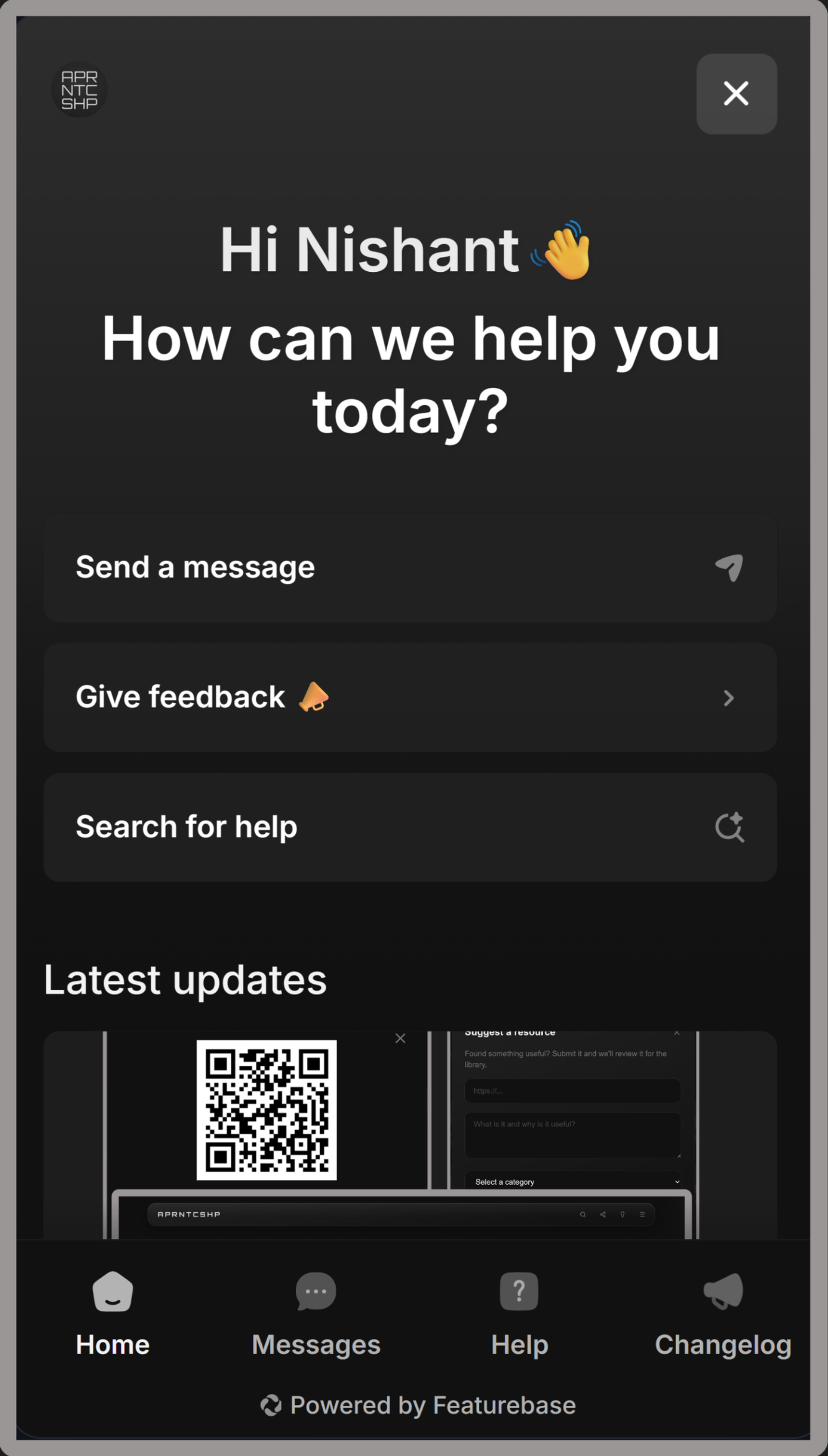
The Messenger sits in the bottom right corner of every page. Click it to open. From the home screen you can navigate to four sections -- Home, Messages, Help and Changelog.
Help Centre โ„น๏ธ

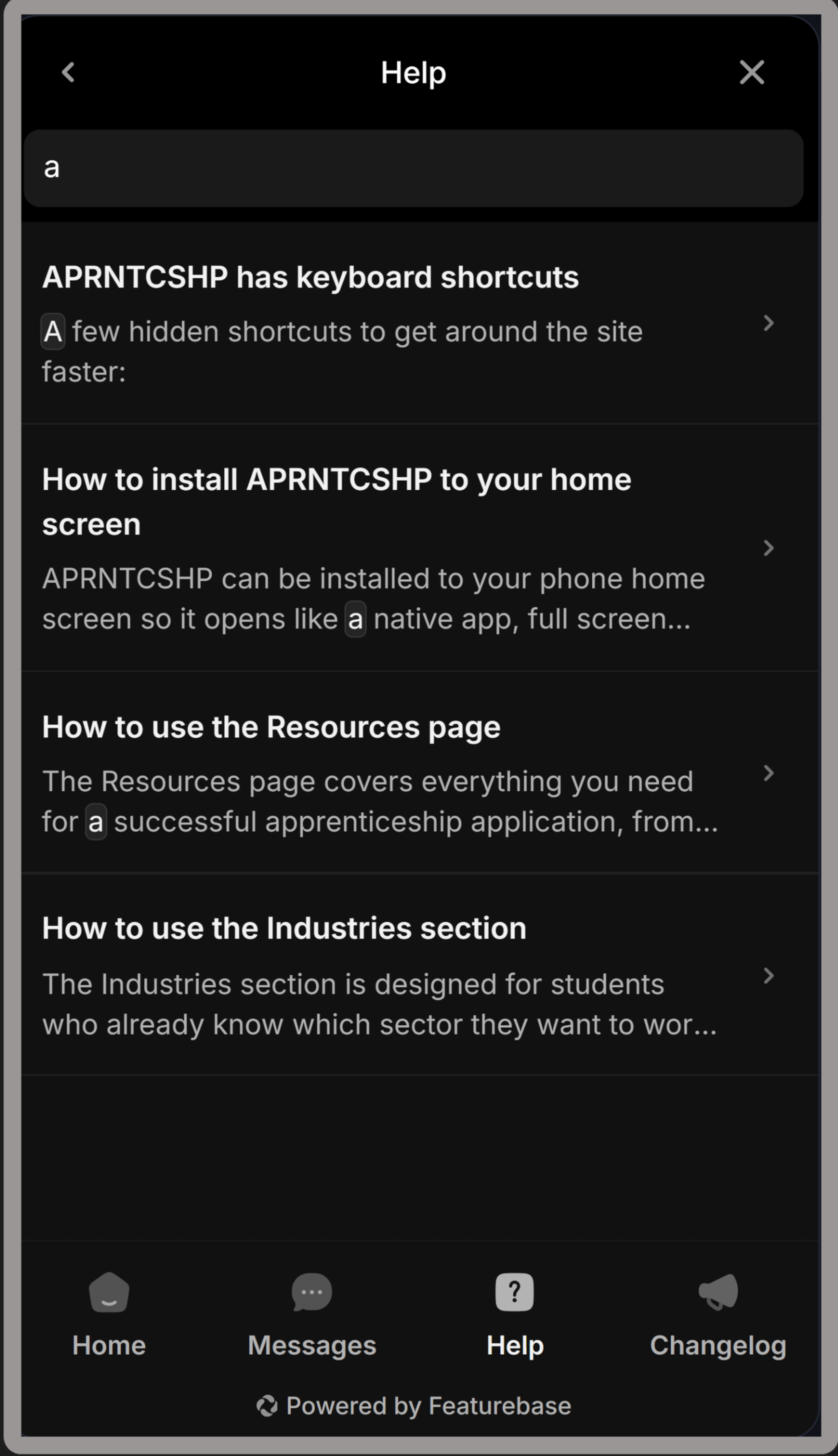
The Help Centre is where you will find articles and guides about using APRNTCSHP. You can search for topics directly from the widget without leaving the page you are on. More articles are being written and will be added regularly -- covering everything from how to use the search overlay to how to navigate the industry pages.
Fibi Bot ๐Ÿค–

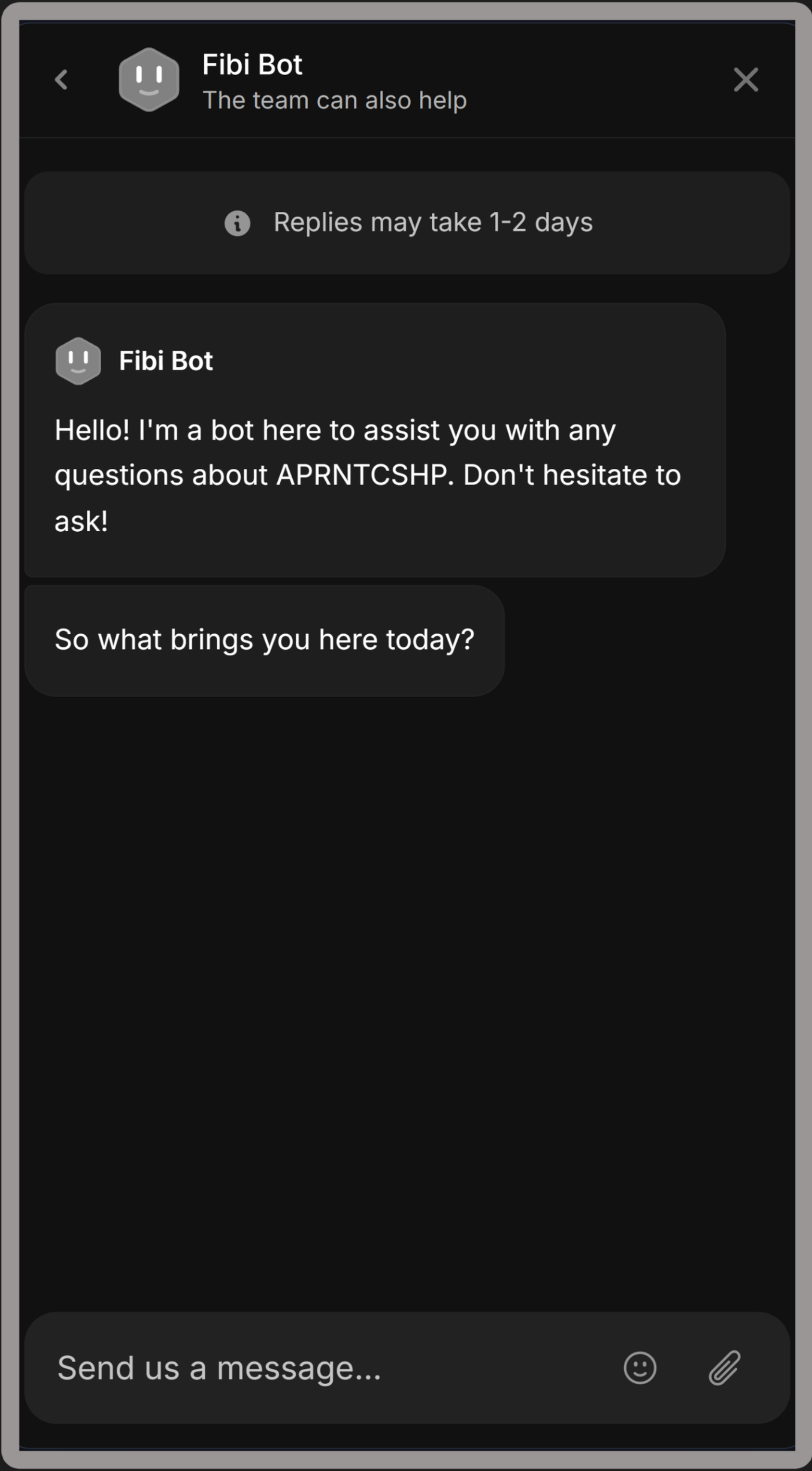
Fibi is an AI assistant built into the Messages tab. Ask it anything about the site and it will try to help -- whether that is finding a resource, understanding a feature, or getting advice on your apprenticeship application. Fibi can also search the Help Centre articles to give you more accurate answers as the library of guides grows.
Changelog ๐Ÿ› ๏ธ

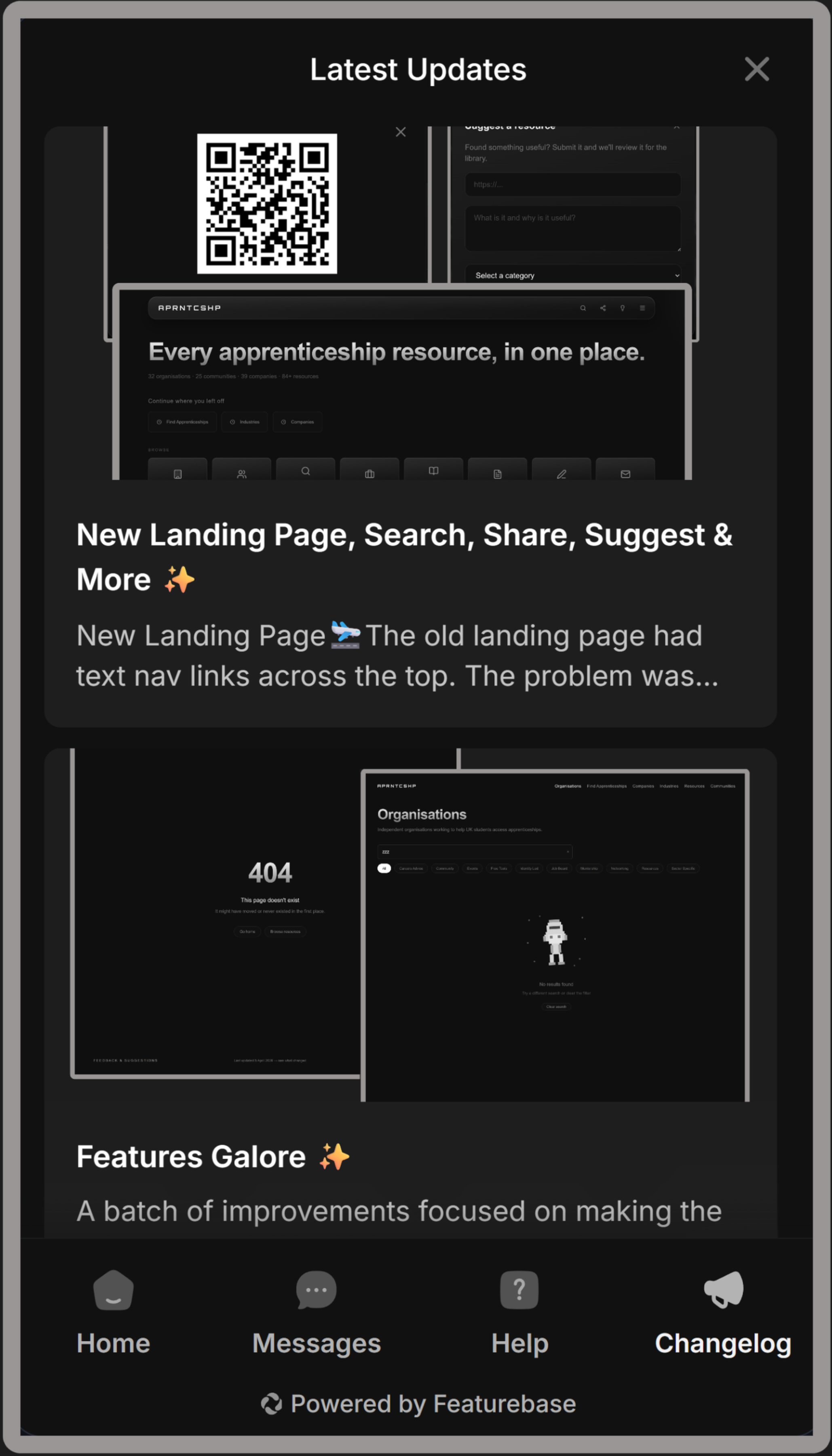
Every update to APRNTCSHP is logged in the Changelog tab inside the Messenger. No need to visit a separate page -- you can see what is new directly from wherever you are on the site.
New

New Landing Page, Search, Share, Suggest & More โœจ

New Landing Page๐Ÿ›ฌ

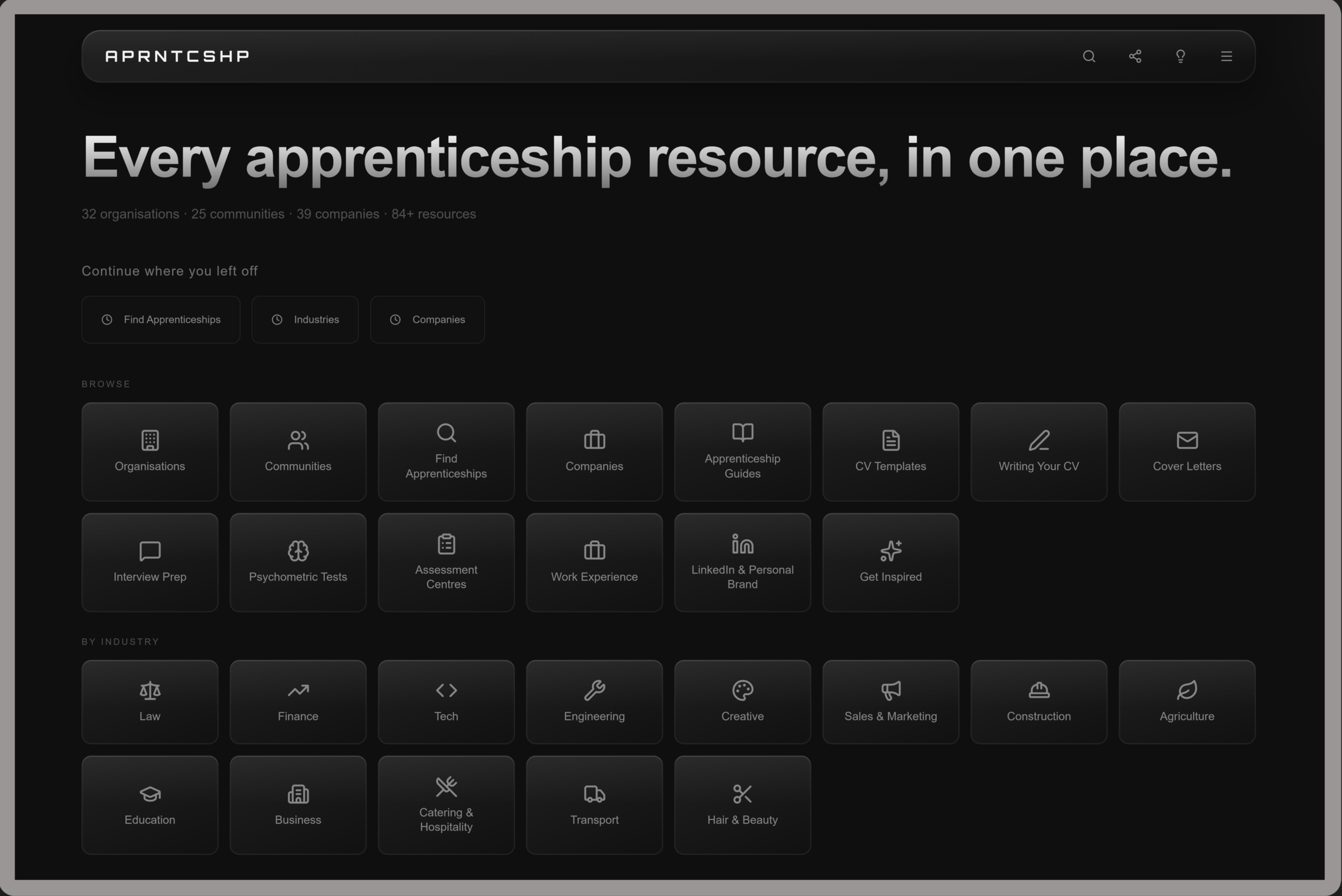
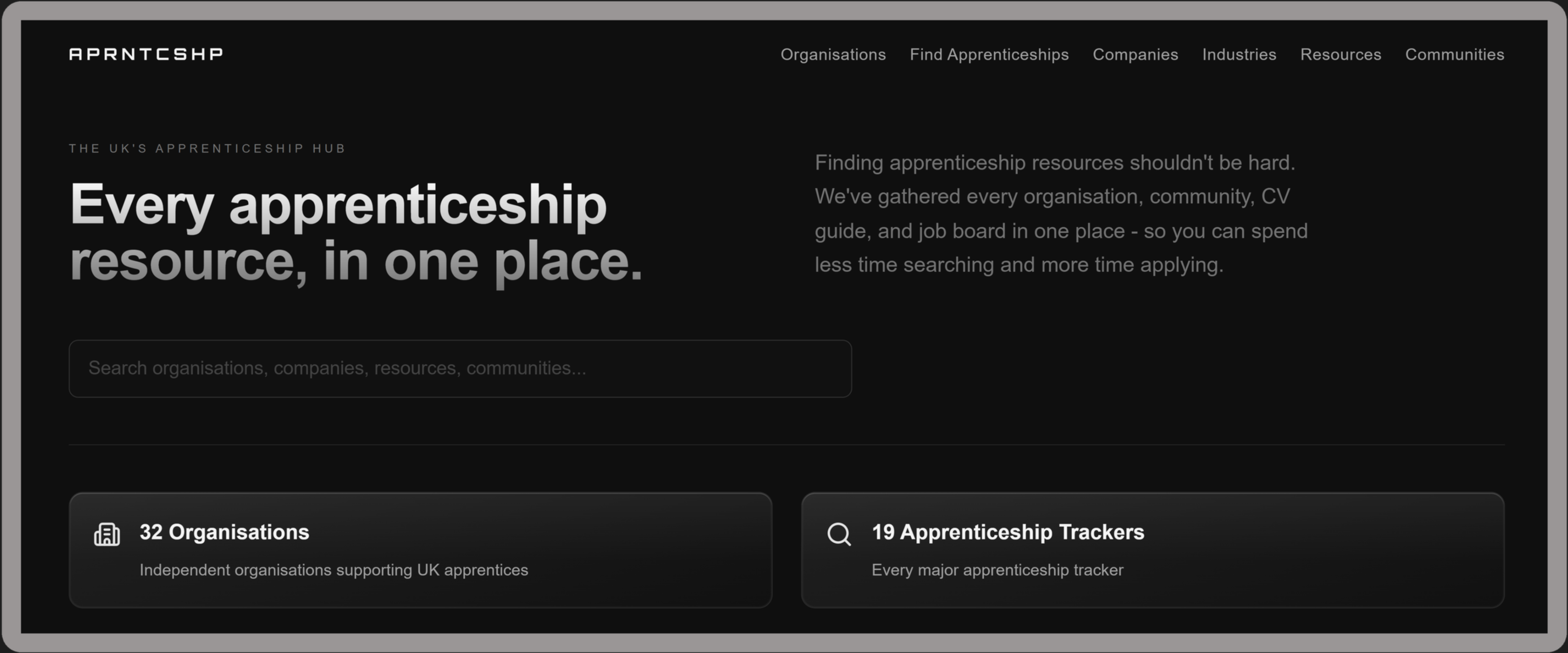
The old landing page had text nav links across the top. The problem was that students had to already know what they were looking for.

The new landing page shows everything available at a glance -- an icon grid covering every section of the library, split into โ€œBrowse and By Industryโ€, so you can jump anywhere in one click. Returning students also see a recently visited section so they can pick up where they left off. A resource count under the heading shows exactly how much is in the library.

Full-Screen Search ๐Ÿ”

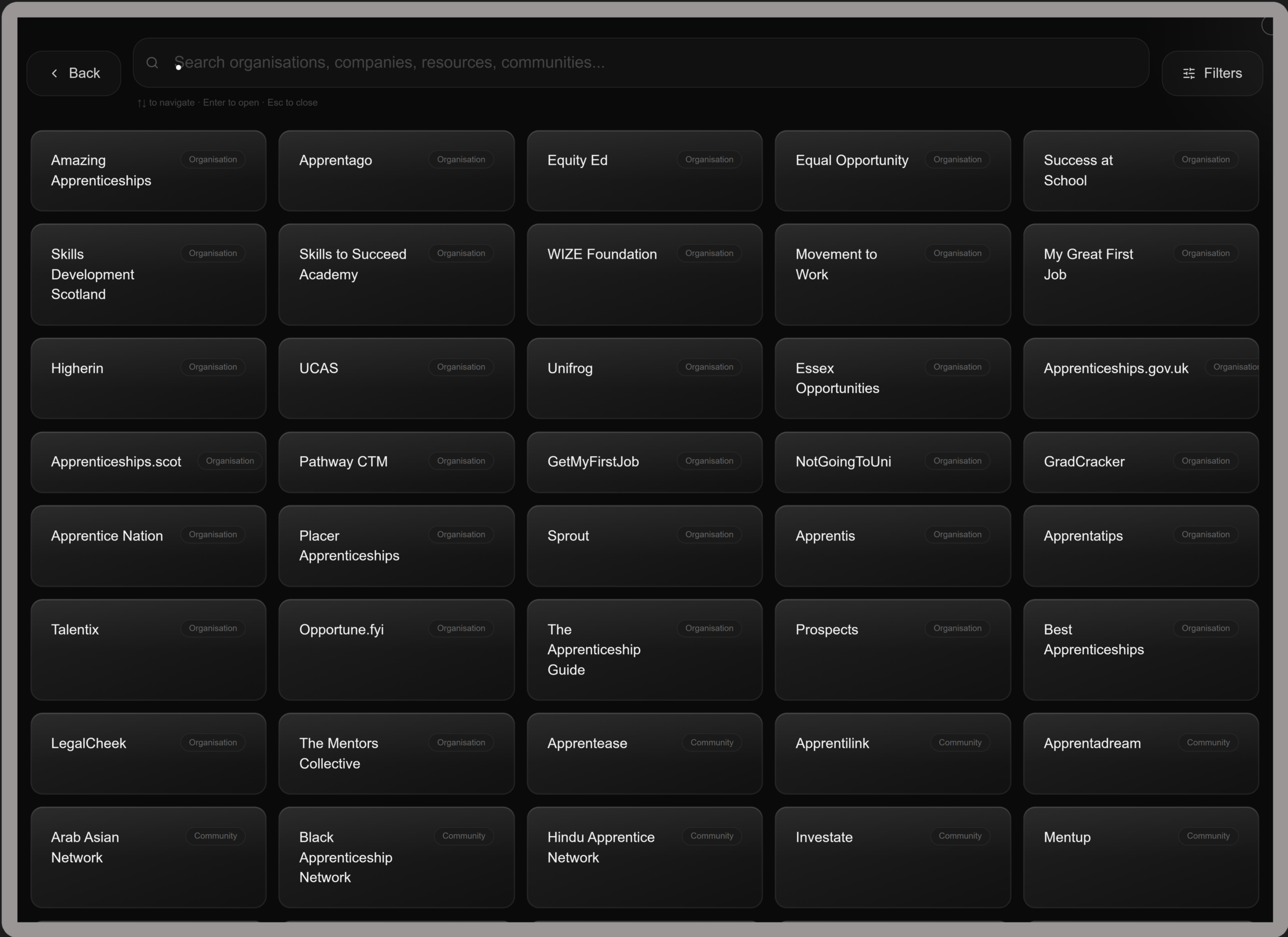
The search bar has been replaced with a full-screen search overlay. Every resource in the library is shown by default. Start typing and results filter in real time from the first letter. Use arrow keys to navigate, Enter to open, Escape to close. A filter drawer lets you narrow by category with multi-select support.

Share Any Page via QR Code ๐Ÿ”—

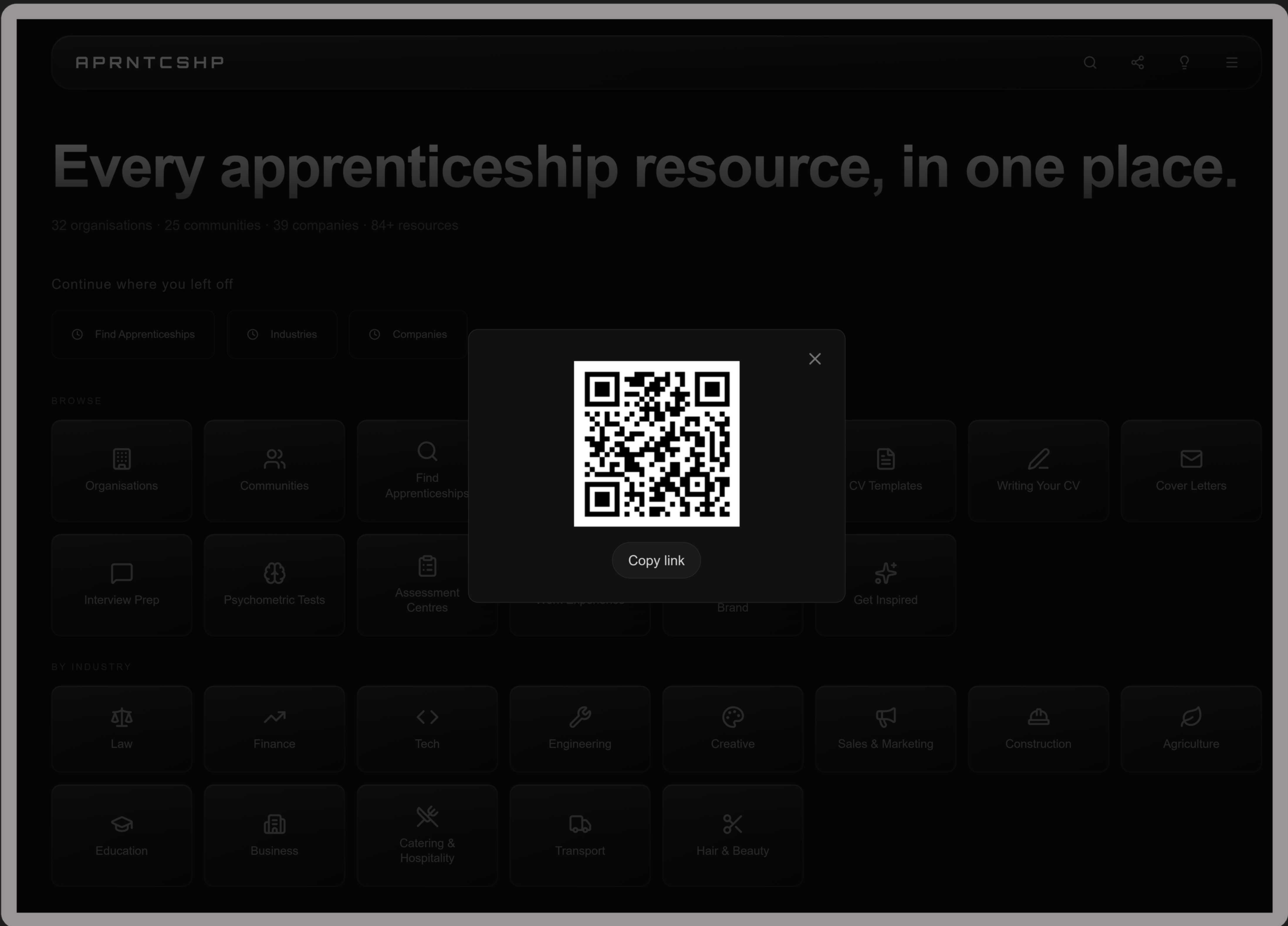
Click the share icon in the navbar on any page to generate a QR code specific to that page. Point someone's phone at it and they land directly on the same page -- useful for sharing a specific industry page, organisation or resource.

Suggest a Resource โž•

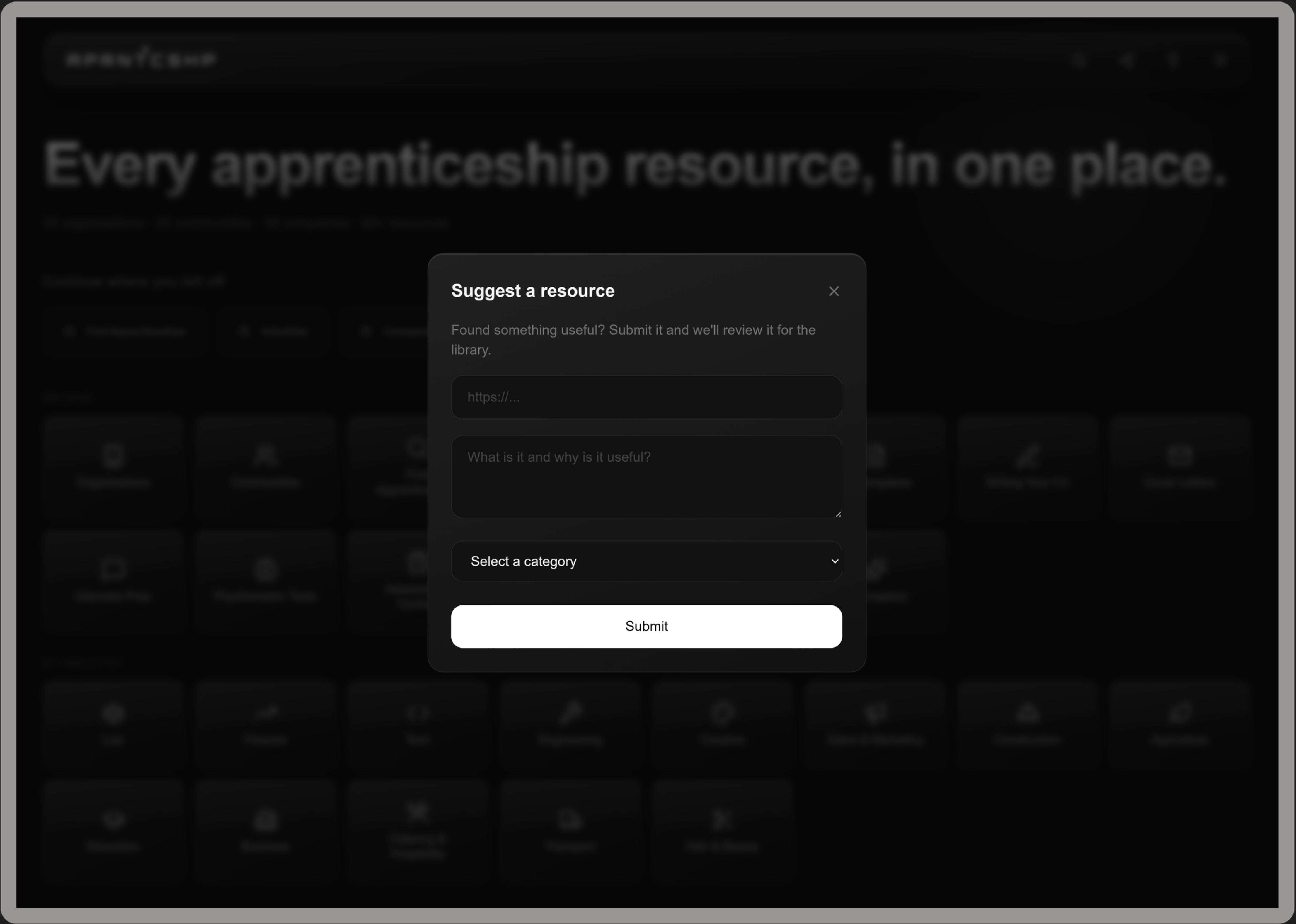
Found something useful that is not in the library yet? Click the lightbulb icon in the navbar and submit a URL with a short description. Every suggestion goes directly to the review queue and will be considered for the next library update.

Pagination ๐Ÿ“„

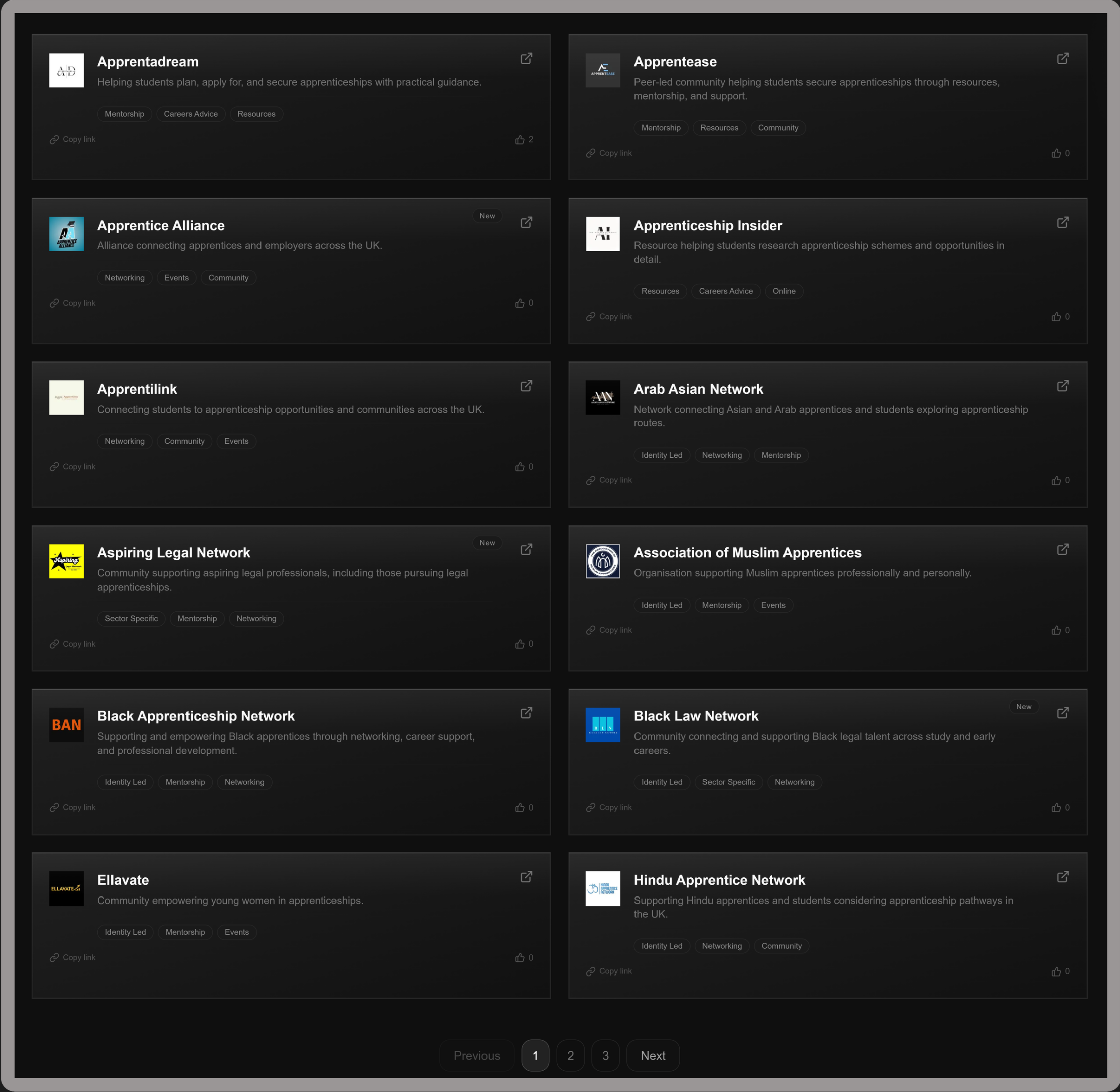
Organisations, Companies and Communities now load 12 cards at a time with page controls at the bottom. This keeps pages fast as the library grows and makes it easier to track where you are while browsing.

Work Experience ๐Ÿ‘”

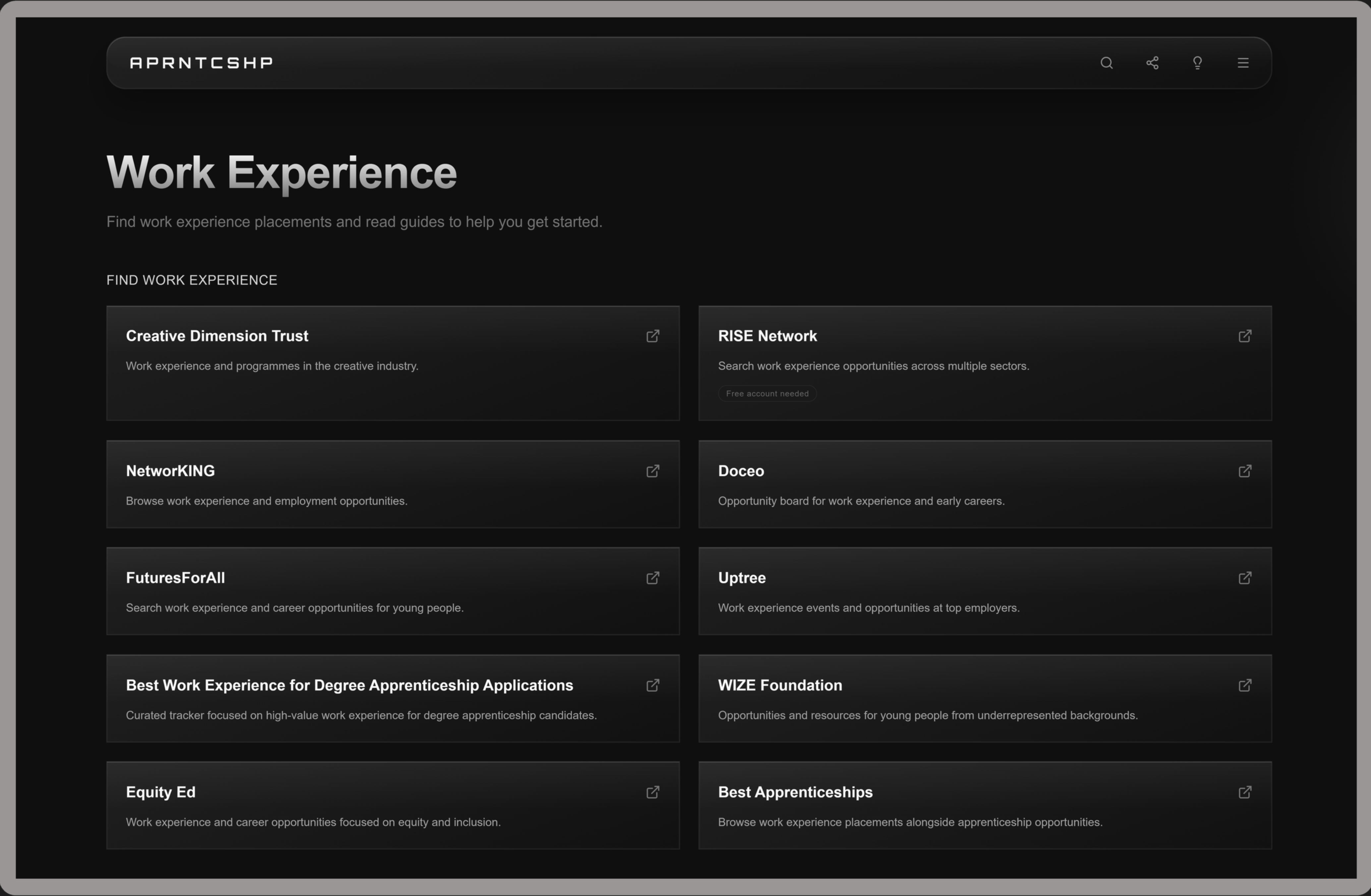
Work Experience now has its own dedicated page at aprntcshp.co.uk/work-experience.

Previously, work experience resources were buried as a single section on the Resources page. With so many platforms and guides available, it deserved its own space.

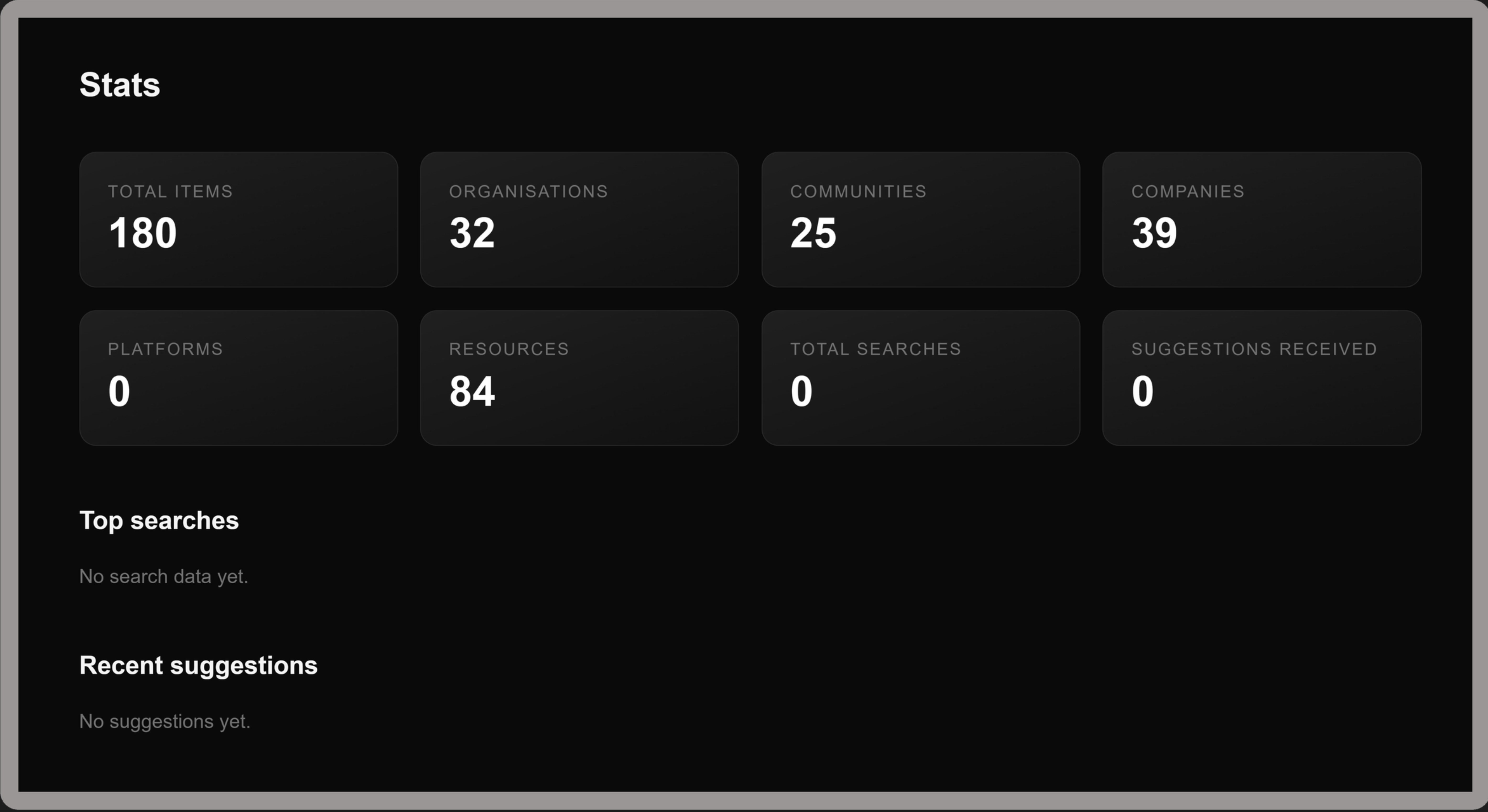
Hidden Stats Dashboard ๐Ÿฅš

There is a hidden page. That is all.

New

Features Galore โœจ

A batch of improvements focused on making the site easier to use, faster to load, and more polished throughout.

๐Ÿ”ŽGlobal search on the landing page

You can now search across the entire library from the homepage. One search bar that queries organisations, communities, companies, resources and more simultaneously. Results appear instantly as you type.

๐Ÿ‘๐Ÿ‘ŽResource voting

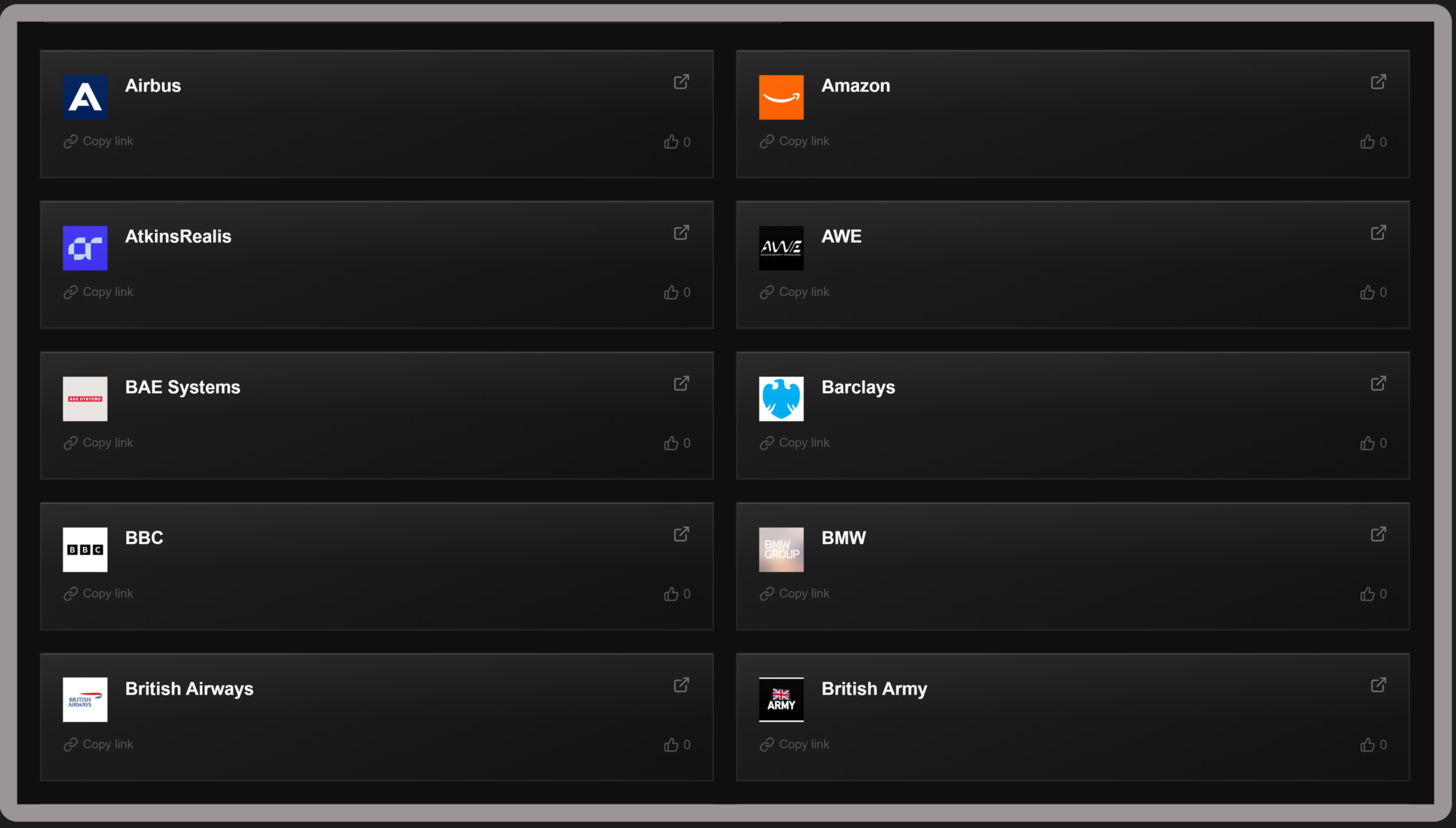
Every resource, organisation, community and company card now has a thumbs up button. Vote for the resources you find most useful. Votes are anonymous and persist across sessions. No account needed.

Tag filtering

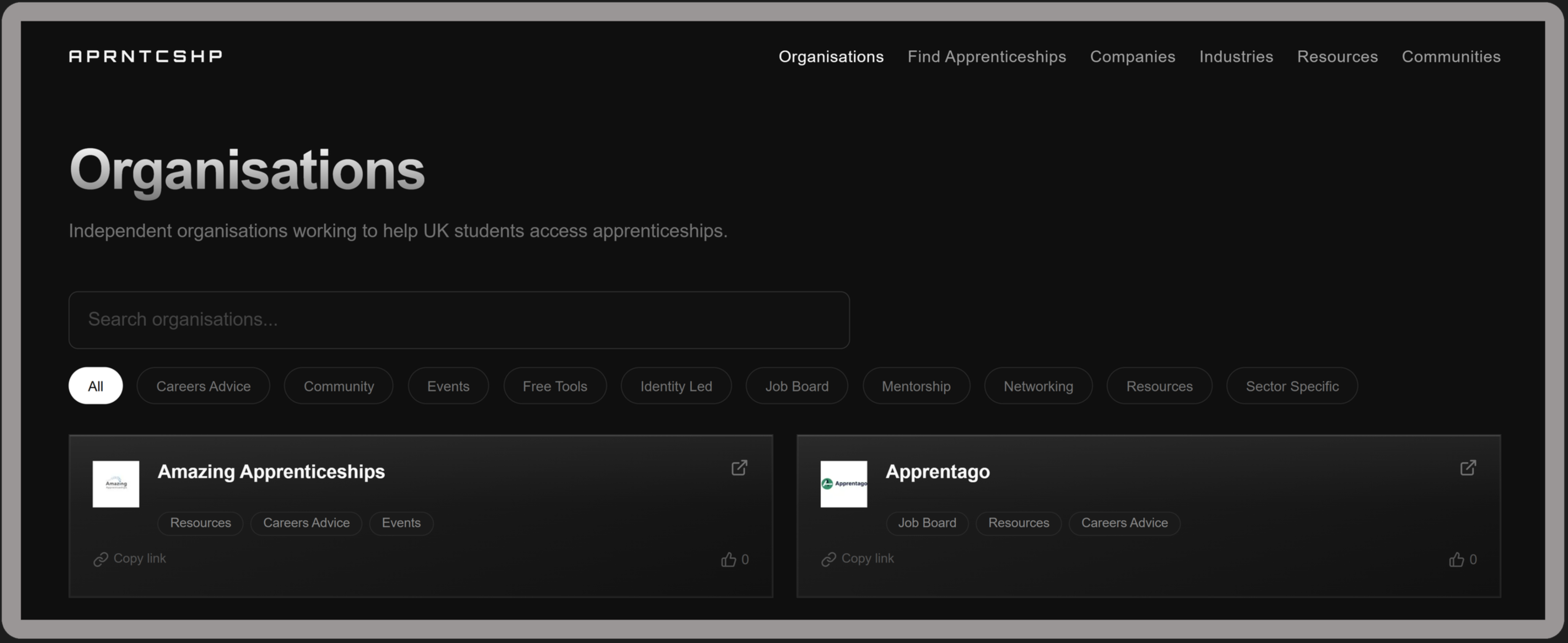
Organisations and Communities pages now have filter pills above the card grid. Click a tag to filter by typeย โ†’ Mentorship, Job Board, Identity Led, Events and more. Works alongside the search bar simultaneously.

๐Ÿ†•"New" badge

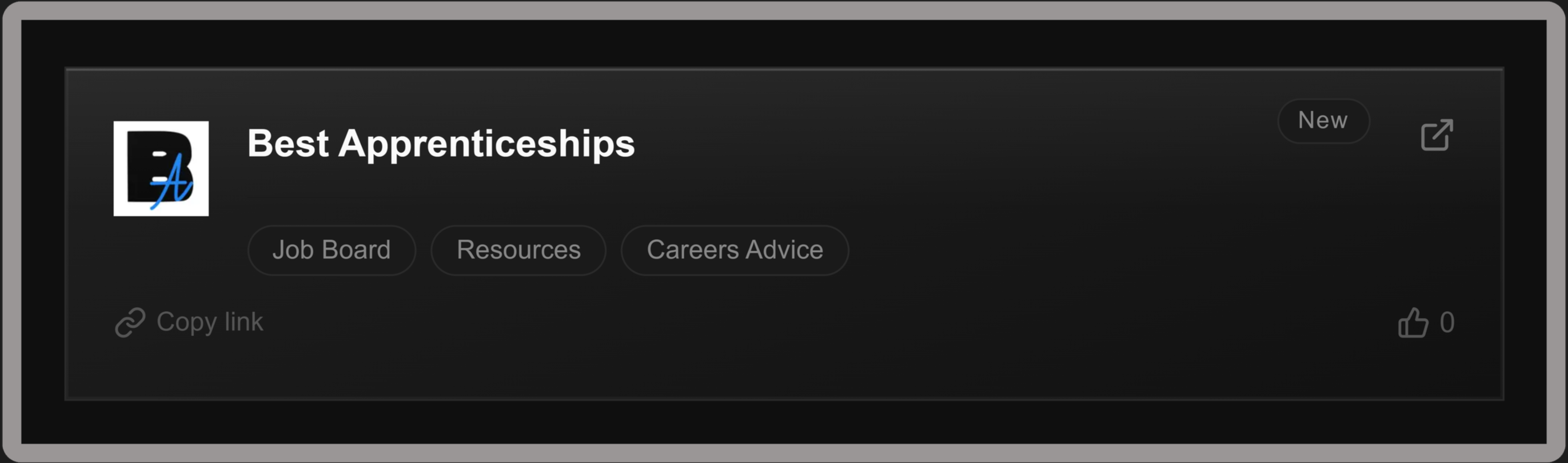
Recently added resources now show a small "New" badge on their card. Disappears automatically after 30 days. The badge is driven by the date each entry was added.

๐Ÿท๏ธResource type labels

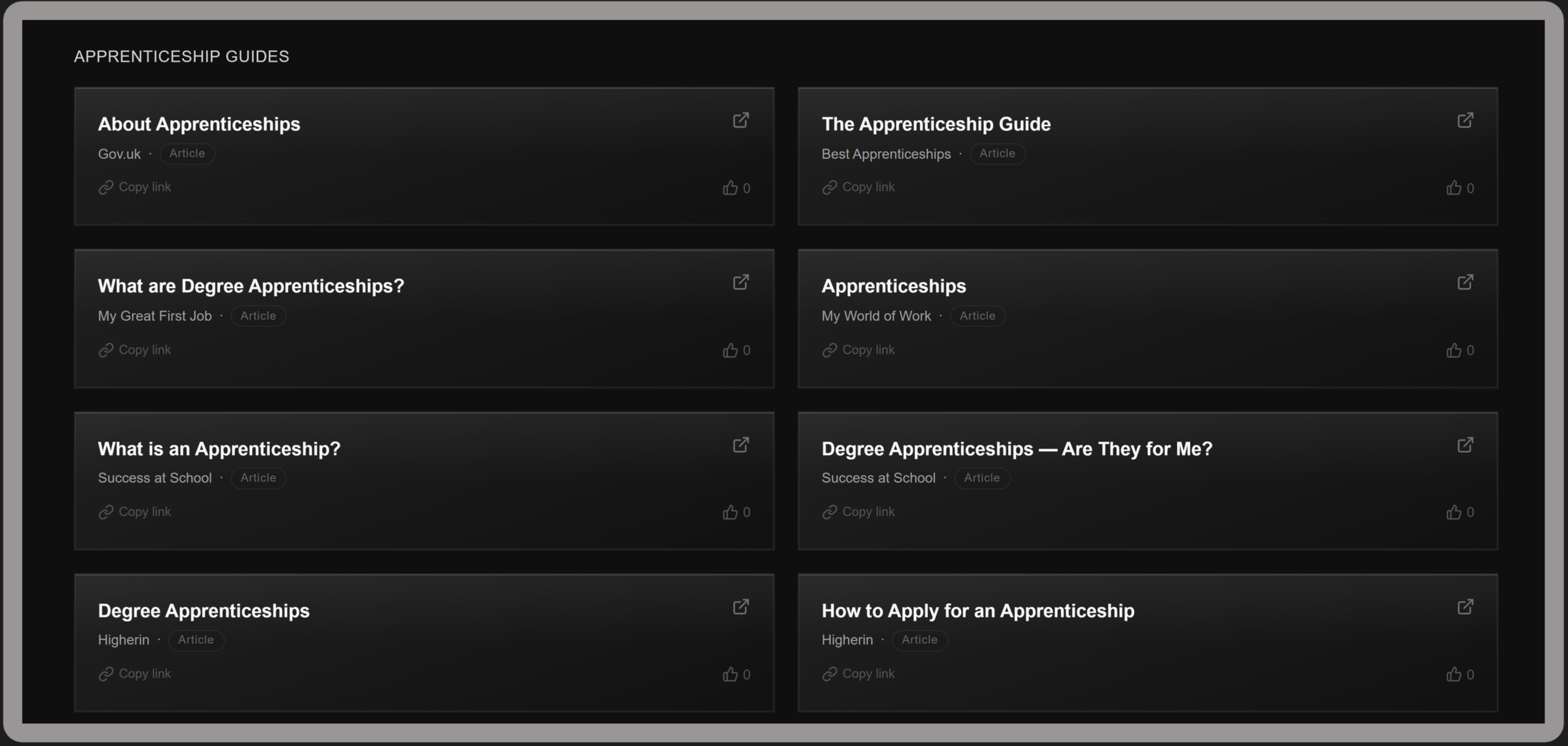
Every resource on the Resources page now shows its type next to the source name โ†’ Article, PDF, Video, Template, or Tool. Makes it easier to know what you're clicking before you leave the site.

๐Ÿ”—Copy link button

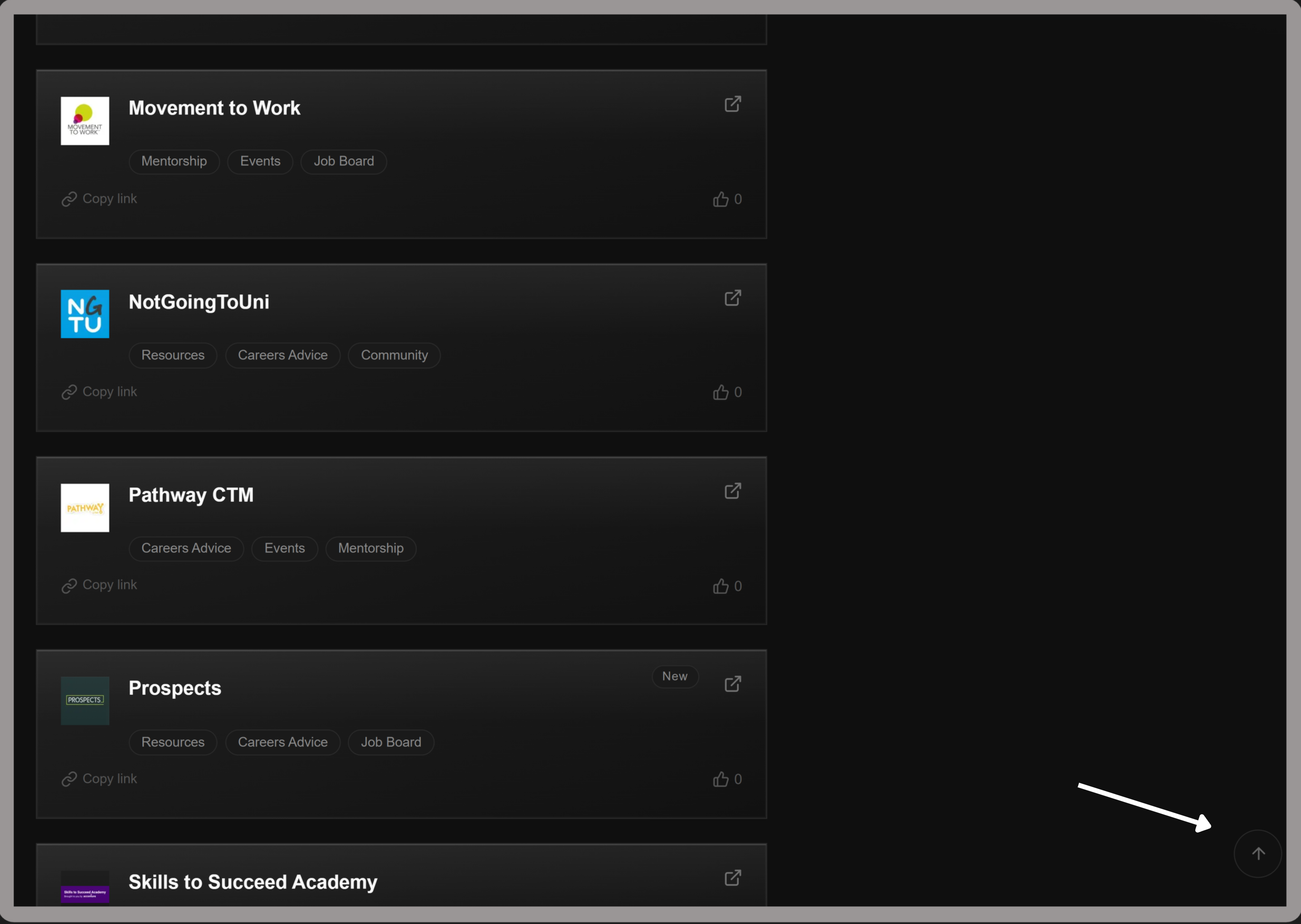
Every card now has a small copy link button. Click it to copy the resource URL directly to your clipboard. Confirms with a check icon for 1.5 seconds.

โฌ†๏ธBack to top button

A subtle circular button appears in the bottom right corner after scrolling down on any page. Click it to return to the top instantly.

๐Ÿง‘โ€๐Ÿš€Empty state animation

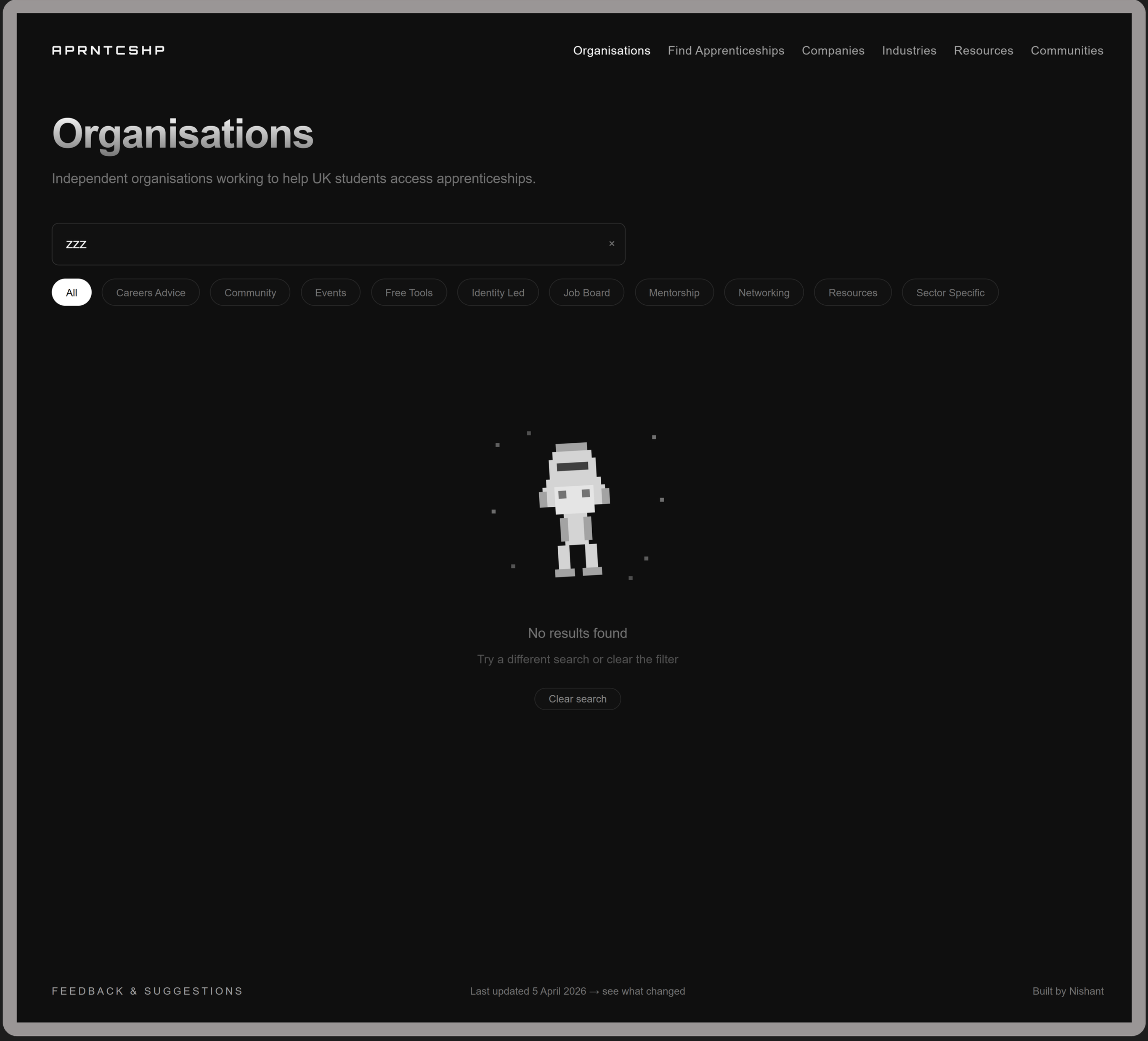
When a search returns no results, an animated astronaut floats across the screen instead of a blank page. Includes a clear search button to reset.

๐Ÿ“กCustom 404 page

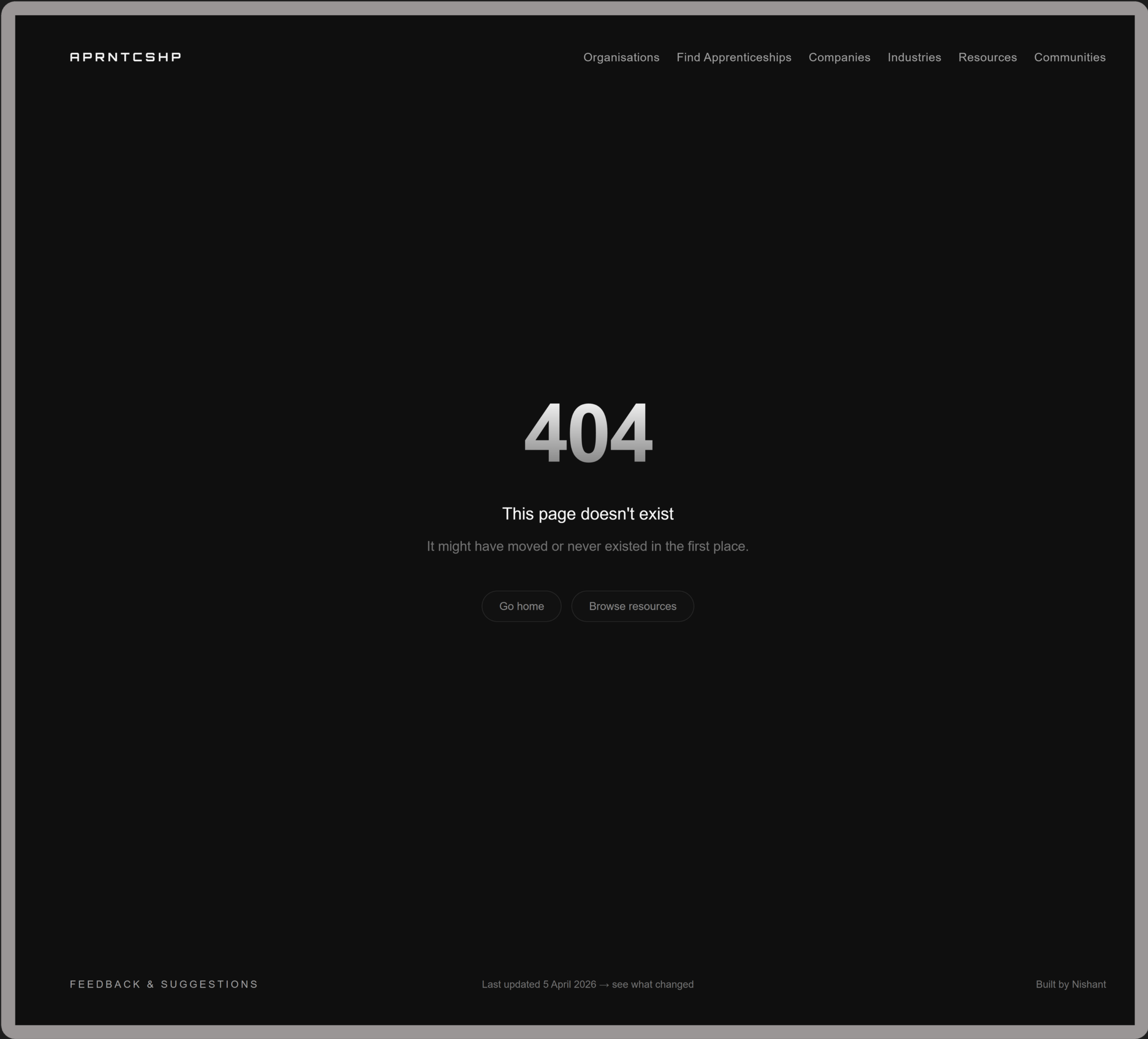
Visiting a URL that doesn't exist now shows a branded 404 page with links back to the homepage and Resources page. Click the 404 to trigger a hidden easter egg ๐Ÿ‘€.

๐ŸžBreadcrumb navigation

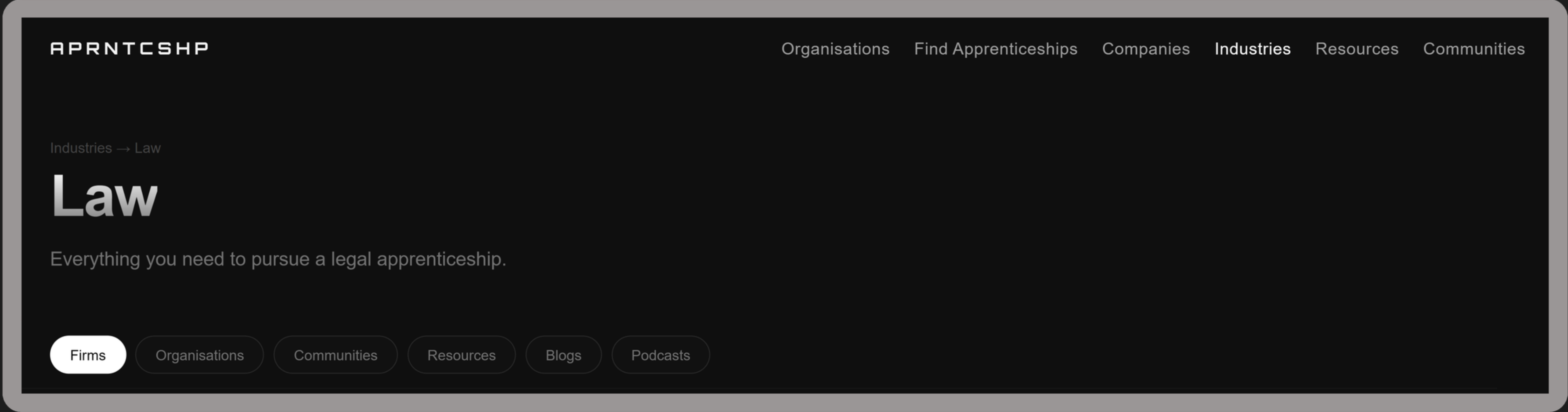
All industry pages now show a breadcrumb at the top ("Industries โ†’ Law" for example) so students who land directly from Google can immediately find the other industry pages.

Lazy loading

Logo images on Organisations, Communities and Companies pages now load lazily as you scroll. Faster initial page load, especially on mobile.

Tooltips on tags

Hovering over a tag pill on Organisations or Communities now shows a small tooltip explaining what the tag means. Helpful for first time visitors who are not sure what "Identity Led" or "Sector Specific" means.

New

Earlier updates